Looking for how to change your membership?
You’ve come to the right place! On this page we will show you:
- How to log into your account
- How to change your subscription
- How to change your payment
Log into your account
From the Home page click “MY ACCOUNT”

How to change your subscription
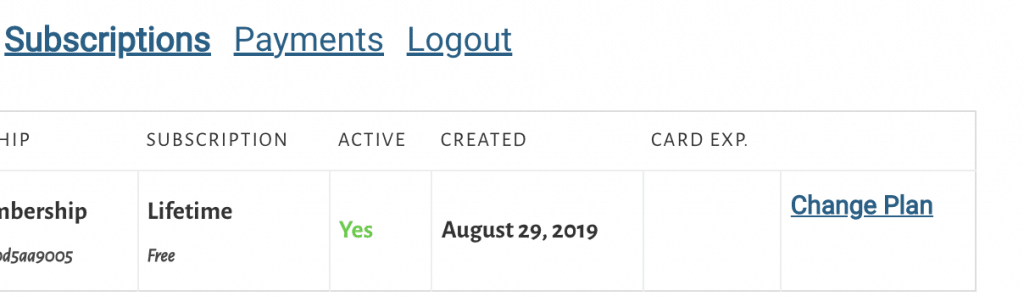
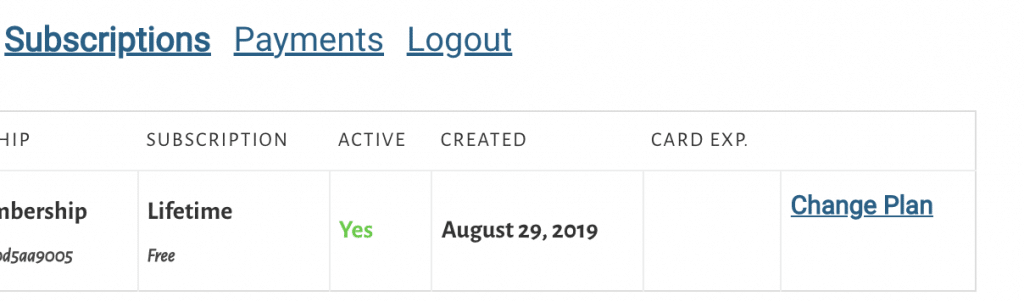
Click “Subscription”. On the right hand side you click “Change plan” and you can upgrade or downgrade your subscription
How to change your payment
On the “payment” section of your account click it. You can manage and change your payments from there.