We are so thrilled you want to join one of the live events!
Here are 2 ways you can access the event to join it!
Video instructions
This 1.5 minute video guides you on how to access the live events.
Join the live event
Step 1: On the MI PLUS Home page, hover over the “LIVE” button on the top left of the page. Move your mouse down to click on either the “Mini MI training” or the “Live Webcast with Casey”

Step 2: Scroll down the page to click on the day of the event you want to join. **Make sure you are joining that months event and not another month!
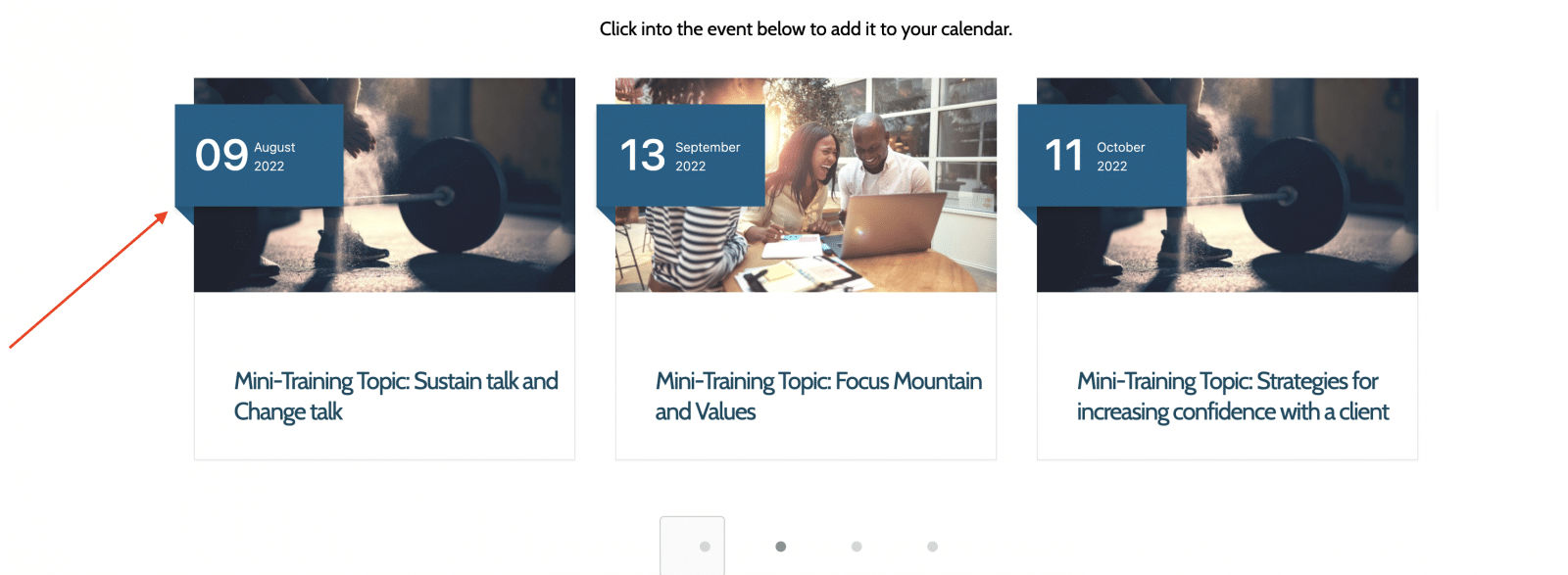
Step 3: Scroll down and click on the “join zoom meeting”
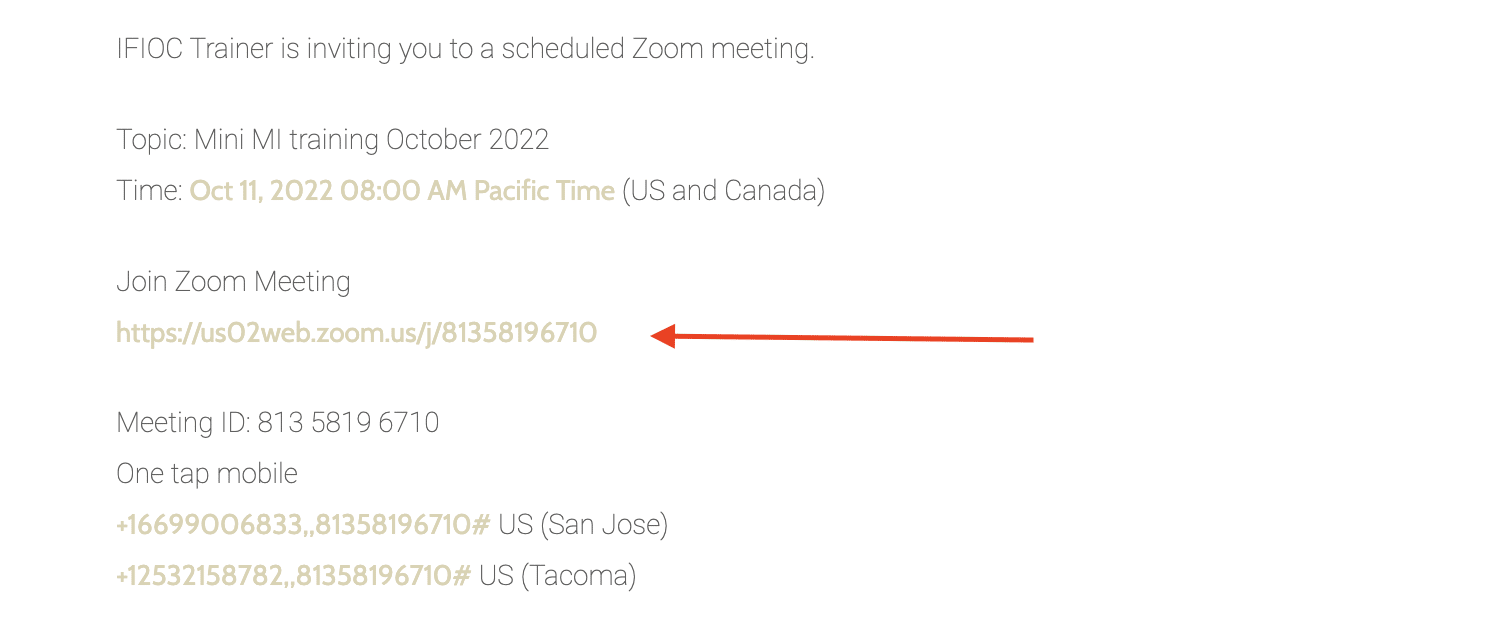
Step 4: You are in the meeting! Enjoy!
Add the events to your calendar, then click to join!
Step 1: Follow steps 1 & 2 from the above instructions
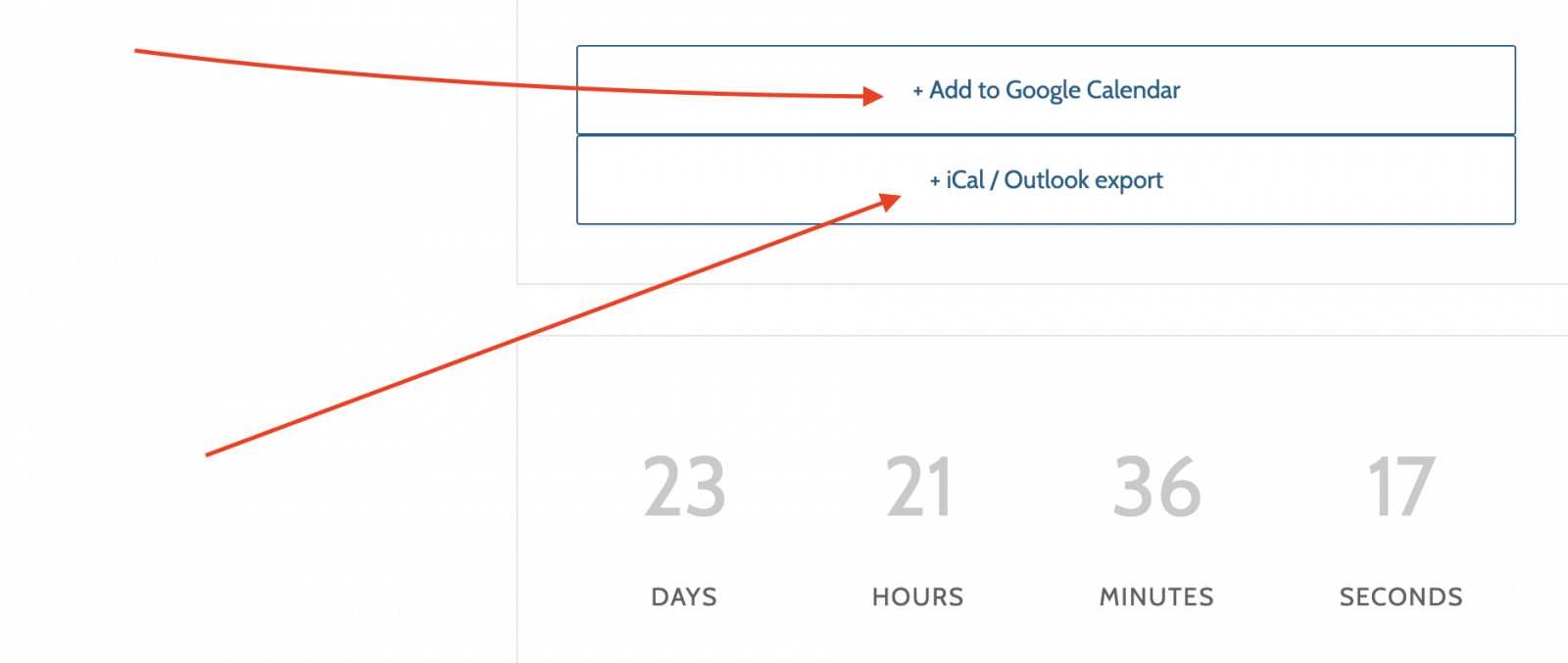
Step 2: Scroll down towards the bottom and you will find the option to “add to calendar”, click your calendar option.
Please share if the live events for MI Plus+ are still taking place the 3rd Friday of the month at 12 Pacific TIme? Email is [email protected] . Thank you, Mona Khaled